Transferring Data to Any iDevice Made Easy
iMazing is a tool that helps you manage contents on your iPhone. In other words, the program lets you transfer and save messages, music, data and files. This utility shall come in handy when you’re trying to back up your iPhone, iPod Touch or iPad.
Top Recommended Alternative

Seamless Transfer
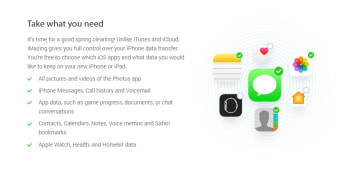
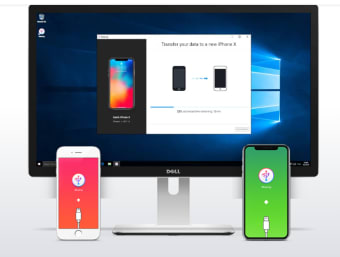
iMazing would let you quickly transfer information to a brand new iPhone without the assistance of iTunes or iCloud. You can copy all contents or choose specific data. The built-in dedicated assistant with its step-by-step instructions would make moving content to the new device easy, simple and secure. To transfer, have the source and destination devices connected to your computer via USB. Once done, open iMazing device-to-device transfer assistant. The tool would then copy contents from one device to another. Unlike iCloud and iTunes, iMazing offers you complete control over the transfer process.
Smarter Backups
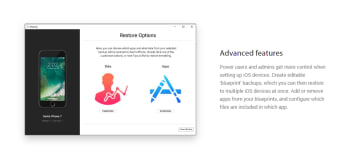
When it comes to backups, iAmazing has your back completely. The tool never overwrites your iPad and iPhone backups, unlike iCloud and iTunes. Also, there is no need for paid cloud storage. iAmazing is probably the only program around to provide a wireless and automatic backup solution free of cost.The backups can be scheduled. You can ascertain whether you need daily or weekly backups. You can also select the number of backups iMazing should keep. If you’re a hoarder, you can keep them all. Or you may choose to keep backups worth a week or month.








.png)
.png)








.png)